Version Managers
Headjack's base image includes language version managers (pyenv, nodenv, goenv, rustup) rather than specific language versions. This design choice enables agents to work with whatever language versions your project requires, without needing custom container images.
The Version Problem
Software projects specify language versions precisely:
# .python-version
3.11.9

# .node-version
20.12.0

# go.mod
go 1.22

# rust-toolchain.toml
[toolchain]
channel = "1.77.0"
These specifications exist because:
- Reproducibility: The same code should behave the same way across machines
- Compatibility: Different projects have different requirements
- Team consistency: Everyone should use the same versions
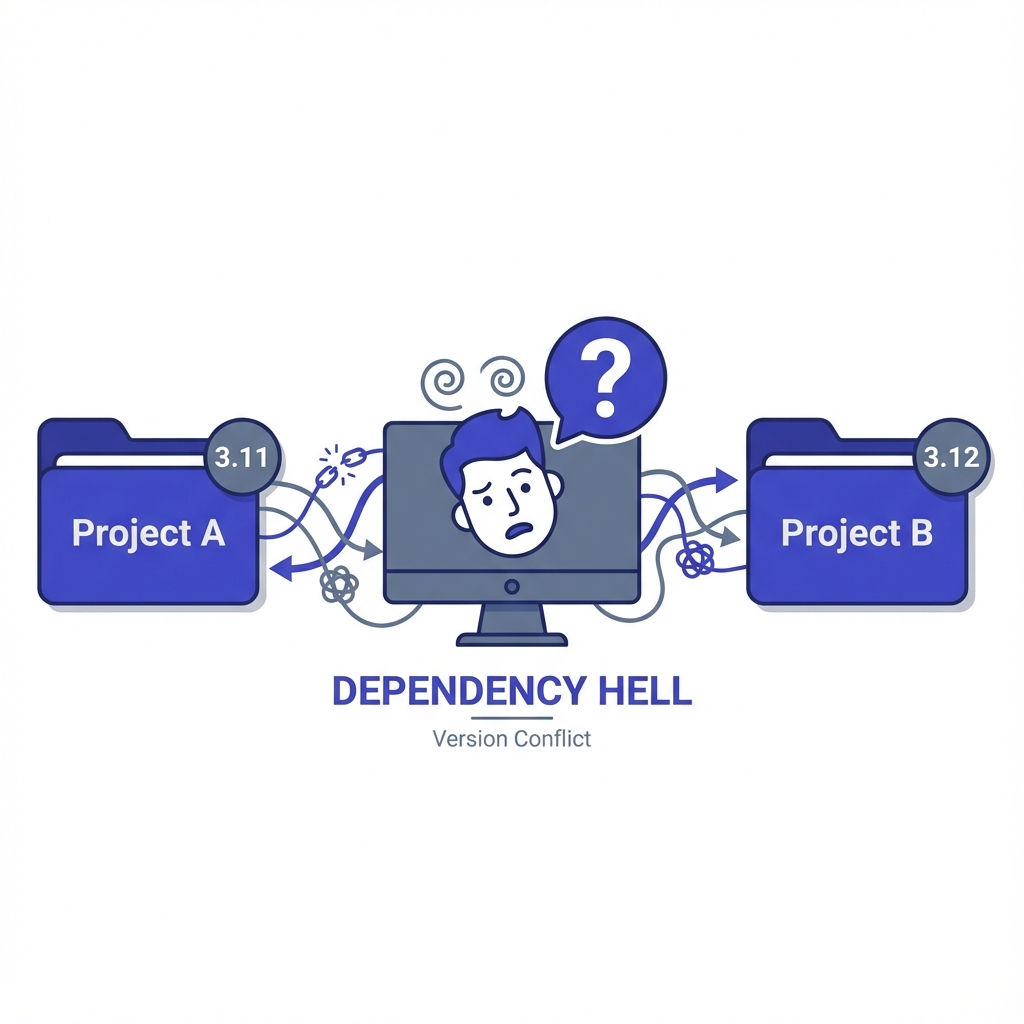
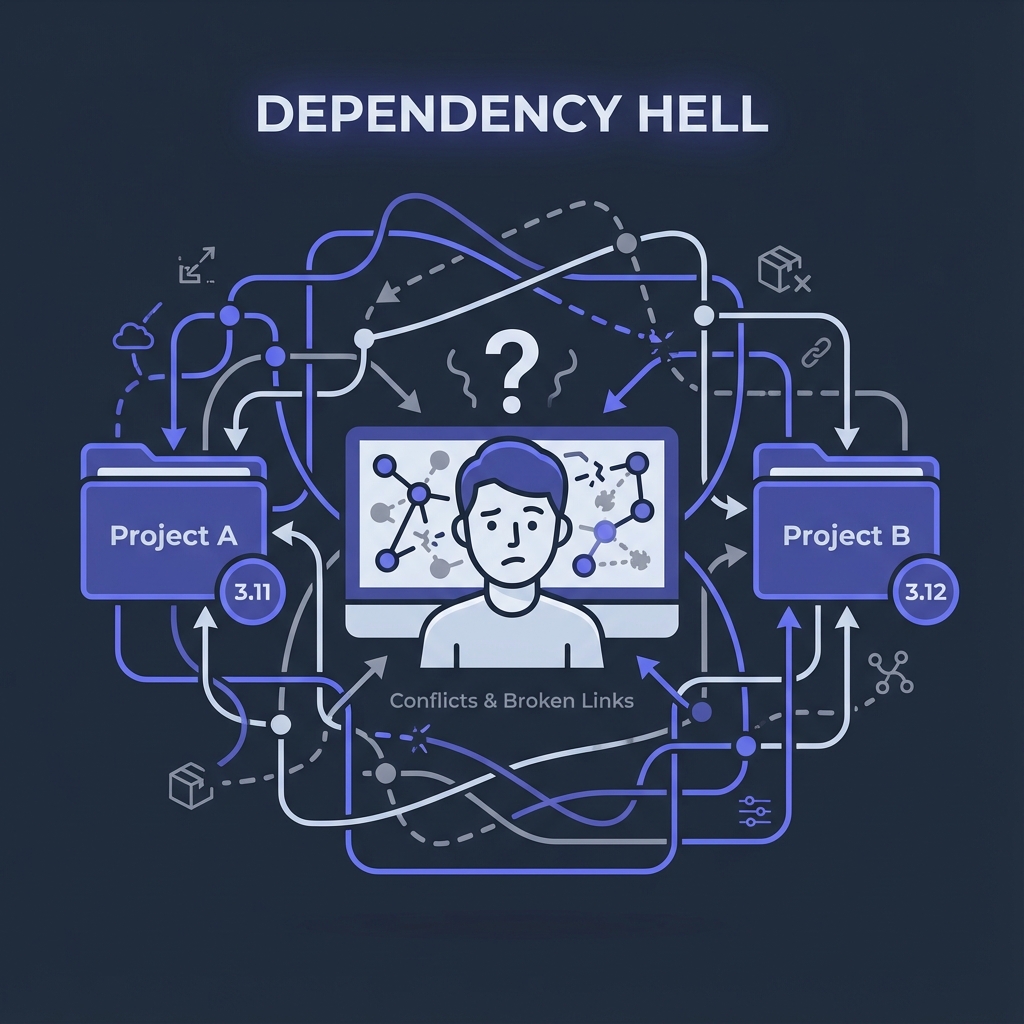
A container image with Python 3.12 pre-installed doesn't help if your project requires 3.11. You'd need a custom image, defeating the convenience of a standard base.
The Version Manager Solution
Version managers solve this by allowing multiple versions to coexist:
~/.pyenv/versions/
├── 3.10.14/
├── 3.11.9/
└── 3.12.3/

~/.nodenv/versions/
├── 18.20.0/
├── 20.12.0/
└── 22.0.0/
The active version is selected per-directory or per-shell:
cd project-a
python --version  # Python 3.11.9 (from .python-version)

cd project-b
python --version  # Python 3.12.3 (from .python-version)
Why Not System Packages?
System packages (apt, brew) provide a single version:
apt install python3.11
This works but creates problems:
Single Version Limitation
Only one version is active. Working on multiple projects with different requirements means constant reinstallation or container switching.
Distribution Lag
System packages lag behind releases. When Python 3.13 releases, it might be months before apt install python3.13 works on your distribution.
Incomplete Ecosystem
System Python/Node/Go often lacks development headers, has missing optional dependencies, or uses non-standard paths that break tooling.
Root Required
Installing system packages requires root. Version managers work entirely in userspace.
Version Managers in Headjack
The base image includes:
| Language | Manager | Why This One |
|---|---|---|
| Python | pyenv | Most popular, great plugin ecosystem |
| Node.js | nodenv | Clean design, shell integration |
| Go | goenv | Consistent with *env pattern |
| Rust | rustup | Official Rust version manager |
How They Work
Version managers intercept language commands via shell integration:
# In .bashrc (set up by base image)
eval "$(pyenv init -)"
eval "$(nodenv init -)"
eval "$(goenv init -)"
source "$HOME/.cargo/env"
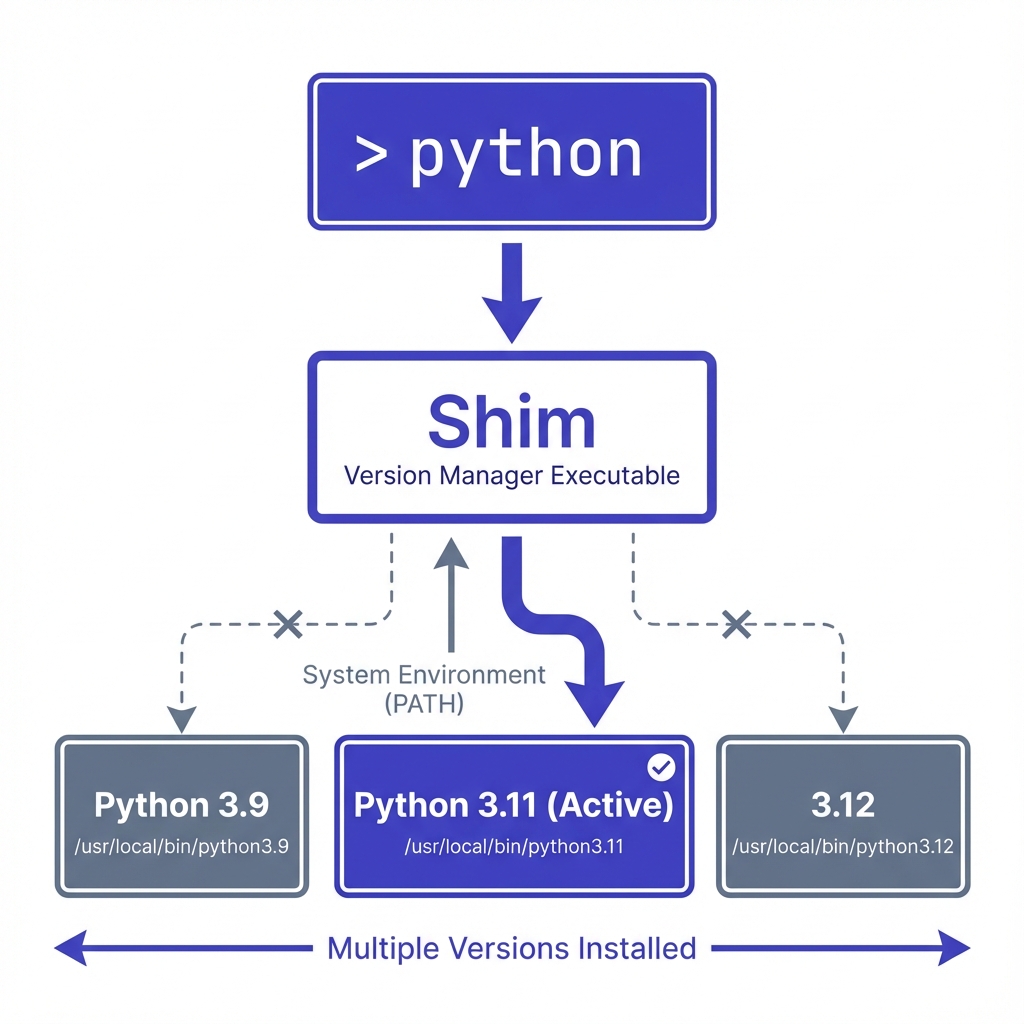
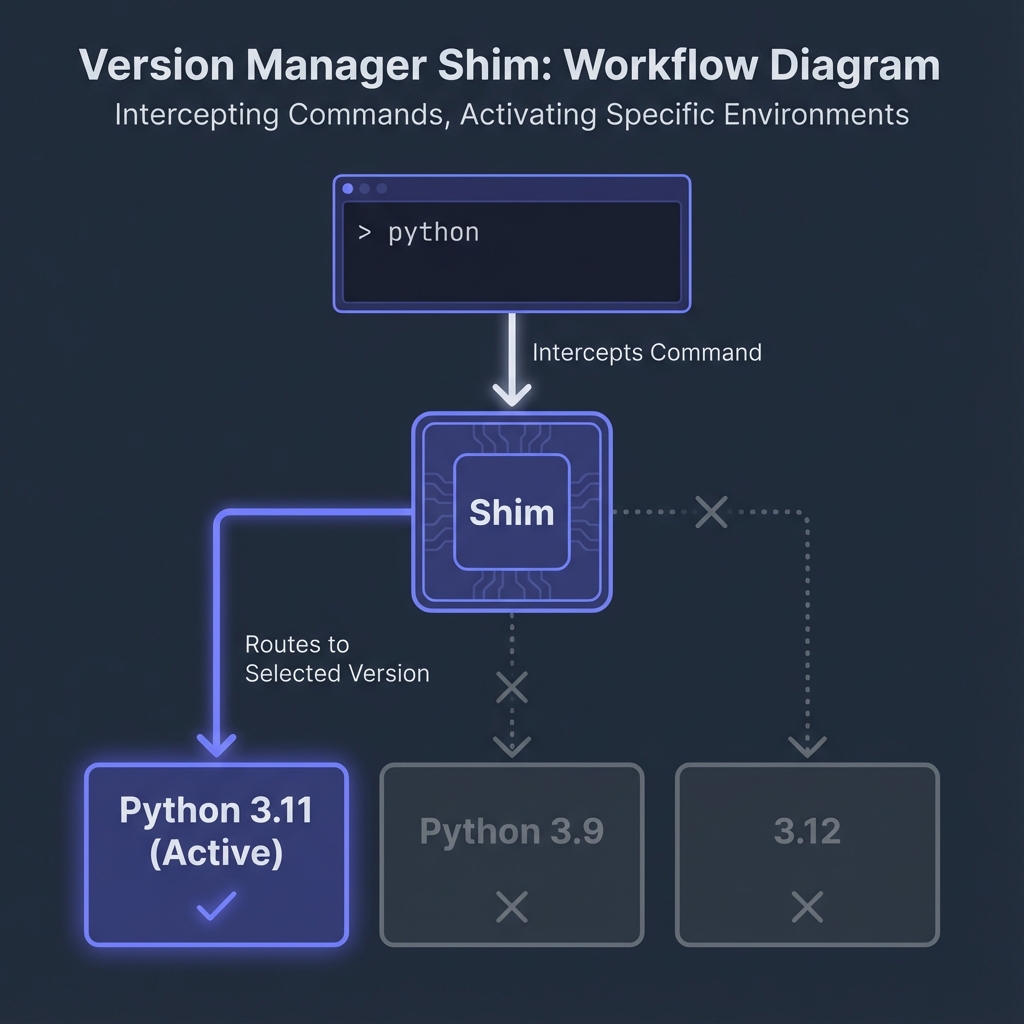
When you run python, the shell finds pyenv's shim first. The shim:
- Checks for
.python-versionin the current directory (or parents) - Falls back to the global version
- Executes the appropriate Python binary
Agent Workflow
When an agent encounters a project with version requirements:
Agent reads .python-version: 3.11.9
     |
     v
Agent runs: pyenv install 3.11.9
     |
     v
pyenv downloads and builds Python 3.11.9
     |
     v
Agent runs: python --version
     |
     v
pyenv shim activates 3.11.9
     |
     v
Python 3.11.9 executes
The agent doesn't need to know where Python is installed or manage PATH. The version manager handles it.
Trade-offs
Build Time
Installing a new version requires building from source (for pyenv/nodenv/goenv):
pyenv install 3.11.9 # Takes 2-5 minutes
This happens once per version per container. After installation, the version is cached in the container's filesystem.
Disk Space
Each installed version consumes disk space:
| Language | Approximate Size |
|---|---|
| Python | ~100MB per version |
| Node.js | ~80MB per version |
| Go | ~500MB per version |
| Rust | ~400MB per version |
Multiple versions add up. For containers with many versions, this can reach several GB.
Compilation Dependencies
Building Python, Node, etc. requires development headers and tools. The base image includes these, adding to image size.
Not All Versions Available
Very old or very new versions might not be available. Version managers build from source using recipes that must be maintained.
Pre-Installing Versions
For frequently-used versions, extend the base image:
FROM ghcr.io/gilmanlab/headjack:base

# Pre-install common Python versions
RUN pyenv install 3.10.14 && \
    pyenv install 3.11.9 && \
    pyenv install 3.12.3 && \
    pyenv global 3.11.9

# Pre-install common Node versions
RUN nodenv install 18.20.0 && \
    nodenv install 20.12.0 && \
    nodenv global 20.12.0
This trades image size for faster agent startup.
Rustup: A Different Model
Rustup is Rust's official version manager and works differently:
- Official: Maintained by the Rust project
- No builds: Downloads pre-built binaries
- Components: Manages toolchain components (cargo, rustfmt, clippy)
- Targets: Manages cross-compilation targets
# Install specific version
rustup install 1.77.0

# Add target
rustup target add wasm32-unknown-unknown

# Use nightly
rustup default nightly
Rustup is included in the base image because it's the standard way to manage Rust toolchains.
Alternative Approaches
System Packages per Image
Build separate images for each language version:
headjack-python3.10
headjack-python3.11
headjack-python3.12
Pros: No build time, smaller per-image size Cons: Combinatorial explosion with multiple languages, can't handle projects needing multiple versions
asdf (Universal Version Manager)
asdf manages multiple languages through plugins:
asdf plugin add python
asdf plugin add nodejs
asdf install python 3.11.9
asdf install nodejs 20.12.0
Pros: Single tool for all languages Cons: Less mature plugins for some languages, additional abstraction layer
Headjack uses individual managers because they're more mature and widely documented for their respective languages.
Docker Multi-Stage with Specific Versions
Build project-specific images with exact versions:
FROM python:3.11.9-slim AS python
FROM node:20.12.0-slim AS node
FROM ghcr.io/gilmanlab/headjack:base
COPY /usr/local /usr/local
COPY /usr/local /usr/local
Pros: Reproducible, no build time Cons: Complex Dockerfiles, hard to maintain, version updates require rebuilds
Recommendations
For Most Users
Use the base image with version managers. Let agents install versions as needed. The build time is a one-time cost per version.
For Teams
Pre-install your project's versions in a custom image. Push to a shared registry. Everyone gets fast startup with correct versions.
For CI/CD
Pre-install versions in CI images. CI runs should be reproducible and fast. Don't rely on runtime version installation.
For Monorepos
Multiple language versions in one container work fine. Version managers handle the complexity.
Related
- Image Customization - Building custom images with pre-installed versions
- Architecture Overview - How containers fit into the Headjack model